My First Portfolio Blog with Astro + Tailwind
Learn how I built a personal portfolio website with Astro, Tailwind CSS, and Markdown, including the project structure, publishing workflow, and beginner-friendly tips.
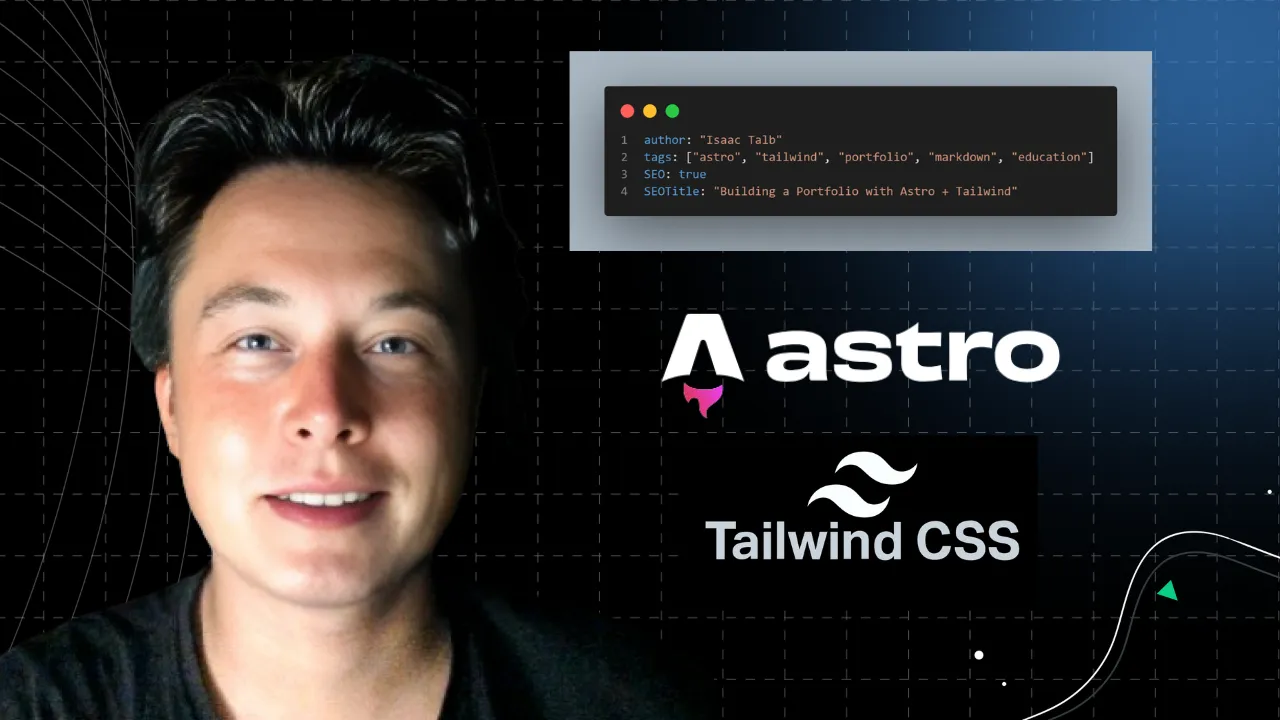
Building a portfolio website is one of the best ways to learn modern frontend development while also creating something useful for your career. In this post, I share how I built my first Astro portfolio website with Tailwind CSS and Markdown blogging, and why this stack works so well for beginners.
Why I Chose Astro + Tailwind + Markdown
I wanted a setup that was simple, fast, and easy to maintain. This stack gave me exactly that:
- Astro for a fast static site architecture
- Tailwind CSS for quick, consistent styling
- Markdown for writing blog posts without needing a CMS
This combination is ideal if you want a personal portfolio website, a developer blog, or a lightweight static site that performs well.
Project Stack Overview
Here is the role each tool plays in the project:
- Astro handles pages, layouts, and content collections.
- Tailwind CSS helps me style components quickly without writing a lot of custom CSS.
- Markdown keeps blog publishing easy and developer-friendly.
- GitHub Pages gives me a simple way to deploy and share the site online.
How I Built the Portfolio
My process was straightforward:
- Create the Astro project with
npm create astro@latest. - Install and configure Tailwind CSS.
- Add a shared layout for blog posts and pages.
- Store posts inside
src/content/blogas Markdown files. - Deploy the finished site so it is publicly accessible.
That workflow keeps the project organized and makes it easy to add new content later.
What Makes This Setup Beginner-Friendly
If you are new to web development, this project teaches several useful skills at once:
- How to structure a frontend project
- How to write reusable layouts
- How to publish SEO-friendly blog content
- How to deploy a static website
Instead of building a portfolio that is hard to update, you end up with a clean system that can grow with you.
Preview
Why I Am Sharing This Project
I built this project for my own learning, but I am also sharing it to help other developers who want to:
- Build a professional portfolio website
- Start a Markdown blog
- Practice Astro and Tailwind CSS
- Publish projects for free
You can absolutely use this structure as inspiration for your own portfolio.
Live Demo
You can explore the live site here:
Final Thoughts
This post is the starting point for the rest of my blog. As I keep improving the site, I will continue sharing what I learn about Astro, Tailwind CSS, Markdown content management, and developer portfolio design.
If you are planning your first portfolio project, this stack is a strong place to begin.